

The QR-code plate: what you see when you scan it
Seagram panels, structures and products carry a QR-code plate. Scan it with your phone and you see that piece’s history. This guide explains what is on the plate, what the screen shows and what it is for, for each person who scans it.
What the plate says
The plate carries the Seagram brand, the piece’s code, the date of fabrication and the inspected mark. On a panel, for example, the code takes the form PANEL TP-0001. Next to those details is the QR code.
What you see when you scan it
Six things: the date and place of fabrication; the inspections and tests carried out; the warranty and its expiry date; the use and care manual; the maintenance history; and a button to request service.
For the owner
You know when what you bought was made, which tests it passed and how long the warranty lasts, without looking for paperwork. If something does not work, you request service from the same phone you scanned the plate with.
For the manager or the technician
In a residential development, a hotel or a plaza, the person who looks after the installations changes over the years. The history does not: every maintenance visit is recorded, and the next technician knows what was done before opening a panel or climbing onto a roof.
The use and care manual is in the same place, one scan away.
Why a plate and not a sheet of paper
Paper gets lost, gets wet or stays in the office of someone who no longer works there. The plate is on the piece: whoever stands in front of the panel or the structure has its history in hand.
The plate and the maintenance plans
Every job leaves the plant with its quality record. If you wish, we keep looking after it with a plan: the Plan Costa for structures and façades, the Plan Energía for panels and transfer switches. Every visit under those plans is added to the plate’s maintenance history.
Frequently asked questions
Which pieces carry a plate?
Seagram panels, structures and products.
What do I scan it with?
With your phone.
Can I request service from the plate?
Yes. When you scan it, a button to request service appears.
Where do I see the warranty?
By scanning the plate: the warranty and its expiry date appear.
Tell us about your project
Send us a drawing, a photo or a hand sketch. We reply with a clear price, with what it includes and the delivery time.
You may also be interested in
Maintenance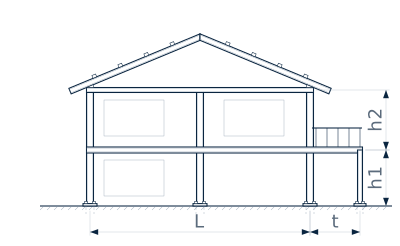
Guide
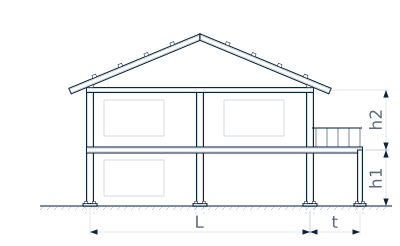
Maintaining steel structures on the coast
A guide to how salt air affects metal roofs, façades and pergolas by the sea, what to check and when, and what a maintenance plan includes.
Where we work
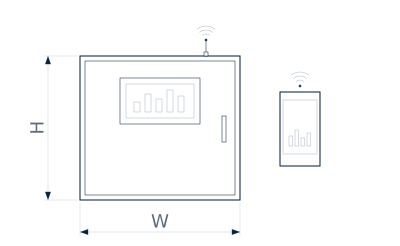
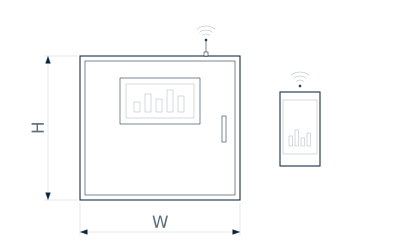
Plan Energía: panel checks in Punta Cana
The Plan Energía in Punta Cana: thermal camera for hot spots, tightening of connections, cleaning, a transfer switch test and a report with measurements.
Guide
How we work: from the idea to the site
Seagram’s six steps: you send your idea, we design it in 3D, quote it, fabricate it, install it and look after it. What happens at each step.
We call you
Leave your name and WhatsApp. We call you during office hours.
Have a project? Write to us
Leave an e-mail or a phone number and we reply during office hours.